Last updated: May 2026 · Reading time: 25 min · Expert level: IPTV Scaling & Automation
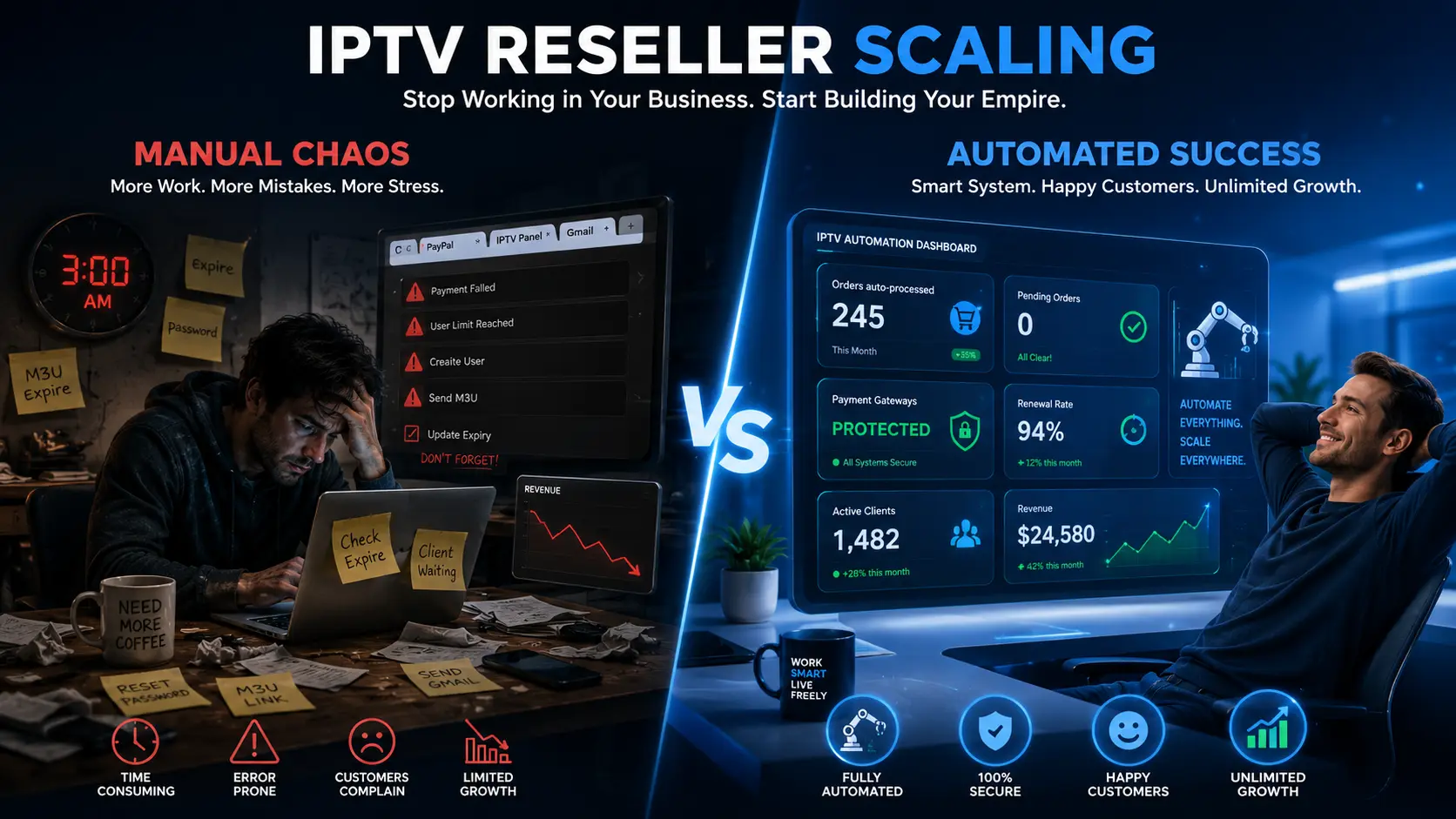
Are you struggling to grow your IPTV reselling operation beyond a few hundred customers?
You are not alone. Most resellers hit a wall when they try to answer the critical question: how to scale your IPTV business without burning out or getting banned by payment gateways.
Manual processes – copy-pasting M3U links, tracking renewals on spreadsheets, and answering the same support questions every day – simply do not scale.
In this 4,000-word guide, we will show you exactly how to scale your IPTV business from 50 to 5,000+ subscribers using proven automation tools, smart payment routing, and a client self-service portal.
We will cover the best iptv reseller tools, the power of an iptv reseller management system, and how to implement high risk payment processing that protects your accounts.
By the end, you will have a clear, actionable blueprint to scale safely and profitably.
Before diving into solutions, let’s understand the problem.
When you start, manual processes feel manageable. You manually activate each subscription, send credentials via WhatsApp or Telegram, and track expirations on a spreadsheet.
But at around 100 active customers, the cracks appear. You spend 3–4 hours daily on repetitive tasks. Payment accounts get flagged for high transaction velocity.
Disputes pile up because customers don’t receive credentials instantly. Support requests for password resets and channel changes overwhelm you.
At this point, many resellers simply stop growing – or worse, they get banned and lose everything.
To truly answer how to scale your IPTV business, you must replace every manual touchpoint with iptv reseller automation. Let’s explore the infrastructure required.
The cornerstone of scaling is a robust iptv reseller management system (RMS).
A good RMS replaces your panel’s clunky admin interface, spreadsheets, and multiple payment accounts with a single dashboard.
What should you look for?
Autotaskclick is a leading iptv reseller management system designed specifically for IPTV.
It integrates seamlessly with any Xtream Codes panel and provides all the features above.
Explore the full feature set to see how it replaces manual work. With the right RMS, you are ready to automate order fulfillment.

One of the biggest time drains is manual order activation.
A customer pays, and you have to log into your panel, create a user, copy credentials, and email them.
To how to automate iptv orders, you need a system that listens for successful payments and triggers API calls to your panel.
Manual (painful): Payment notification → open panel → create user → generate M3U → copy → paste into email → send. Average time: 5 minutes. Error rate: ~5% (wrong password, expiry, or link).
Automated (with Autotaskclick): Customer pays → webhook received → system calls panel API → user created → credentials emailed automatically. Time: 3–5 seconds. Error rate: 0%.
Automation also handles plan upgrades, renewals, and suspensions without your intervention.
For example, when a customer buys a renewal, the system extends the existing account’s expiry date – no duplicate accounts.
This level of iptv automation is essential for scaling beyond 500 customers.
Autotaskclick works with PayPal (Business and Friends & Family), Stripe, Binance Pay, Coinbase Commerce, and high-risk merchant accounts.
It also supports email parsing for Friends & Family payments – when a customer sends a payment, the system detects the email and triggers activation.
This means you can scale even with personal PayPal accounts.
To see live automation in action, start your free trial and test the order flow with a sandbox payment.
Payment gateways are the Achilles’ heel of IPTV reselling. As you scale, your transaction volume increases, and PayPal or Stripe will eventually review your account.
Without proper protection, you face permanent bans and frozen funds. Implementing high risk payment processing is therefore a core part of how to scale your IPTV business.
Different payment accounts for different countries. For example, use PayPal account A for USA customers, PayPal account B for UK, and crypto for all other regions.
This prevents a single account from seeing suspicious cross‑border volume.
More importantly, it hides your real accounts from competitors: a competitor in India will only see a crypto option and cannot report your PayPal accounts.
Each payment account has an unofficial risk limit. Set a threshold (e.g., $1,500) per account.
When the account reaches that volume, Autotaskclick automatically stops routing payments to it and switches to a backup account. You receive an alert.
If the account gets banned later, only the funds up to the threshold are at risk – not your entire balance. This “ban protection” is a game‑changer for scaling safely.
Autotaskclick provides a legal, neutral domain (e.g., “digital‑storefront.net”) registered to a legitimate digital goods business.
Customer payments are processed through this domain, so PayPal/Stripe never see your IPTV URL.
The redirection link expires after the transaction, so manual review cannot trace back to your IPTV site. This dramatically reduces the risk of keyword flags.

As you grow, support requests multiply: “resend my M3U”, “change my password”, “add an extra connection”, “remove adult channels”.
Answering each manually consumes hours. The solution is a client self‑service portal where customers handle these tasks themselves.
This is a critical aspect of how to manage iptv customers at scale.
Customers can log in to the portal and instantly resend their M3U/EPG links to their email. They can also change their panel password without contacting you.
Using Autotaskclick’s portal, customers can enable or disable channel categories (sports, movies, adult, kids) on the fly.
The system updates the panel via API, and the customer’s playlist is refreshed automatically. This eliminates endless “please remove this channel” emails.
Customers can renew their subscription, add extra device connections, or upgrade to a longer plan – all with a single click.
The system processes the payment using your configured gateways and updates the panel instantly. No manual invoicing or account editing required.
By implementing a self‑service portal, you reduce support tickets by up to 80%, allowing you to focus on growth.
Read the documentation to see how to set up the portal in under 10 minutes.

When you become a larger reseller, you become a target. Competitors may try to report your payment accounts, brute‑force your APIs, or scrape your pricing.
Autotaskclick includes several defenses:
These features are essential for long‑term scaling. Without them, a single malicious actor can cause a cascade of payment account bans.
Let’s quantify the difference between manual reselling and using iptv reseller automation with Autotaskclick.
| Metric | Manual (50–200 customers) | Autotaskclick (200–5,000+ customers) |
|---|---|---|
| Order activation time | 3–5 minutes per order | 3–5 seconds (fully automated) |
| Payment account bans (per year) | 2–5 bans (high risk) | 0–1 bans (with threshold & redirection) |
| Support tickets per 1,000 customers | 300–500 per month | 50–100 per month (self‑service) |
| Dispute rate | 2% – 5% (delivery delays) | <0.5% (instant delivery) |
| Time spent on admin | 30+ hours/week | 5–10 hours/week (monitoring) |
| Maximum customers (without burnout) | ~200 | 10,000+ |
You now have a complete, actionable roadmap for how to scale your IPTV business.
The essential components are:
Autotaskclick is the only all‑in‑one platform that delivers every component above. You can start scaling today with zero upfront risk.
Take action now: Start Your Free Trial →
Review IPTV automation software features for detailed specifications. Compare plans on the pricing page.
Need setup help? Visit documentation or contact support.