Last updated: June 2026 · Reading time: 20 min · Expertise: IPTV Hardware & Reseller Automation
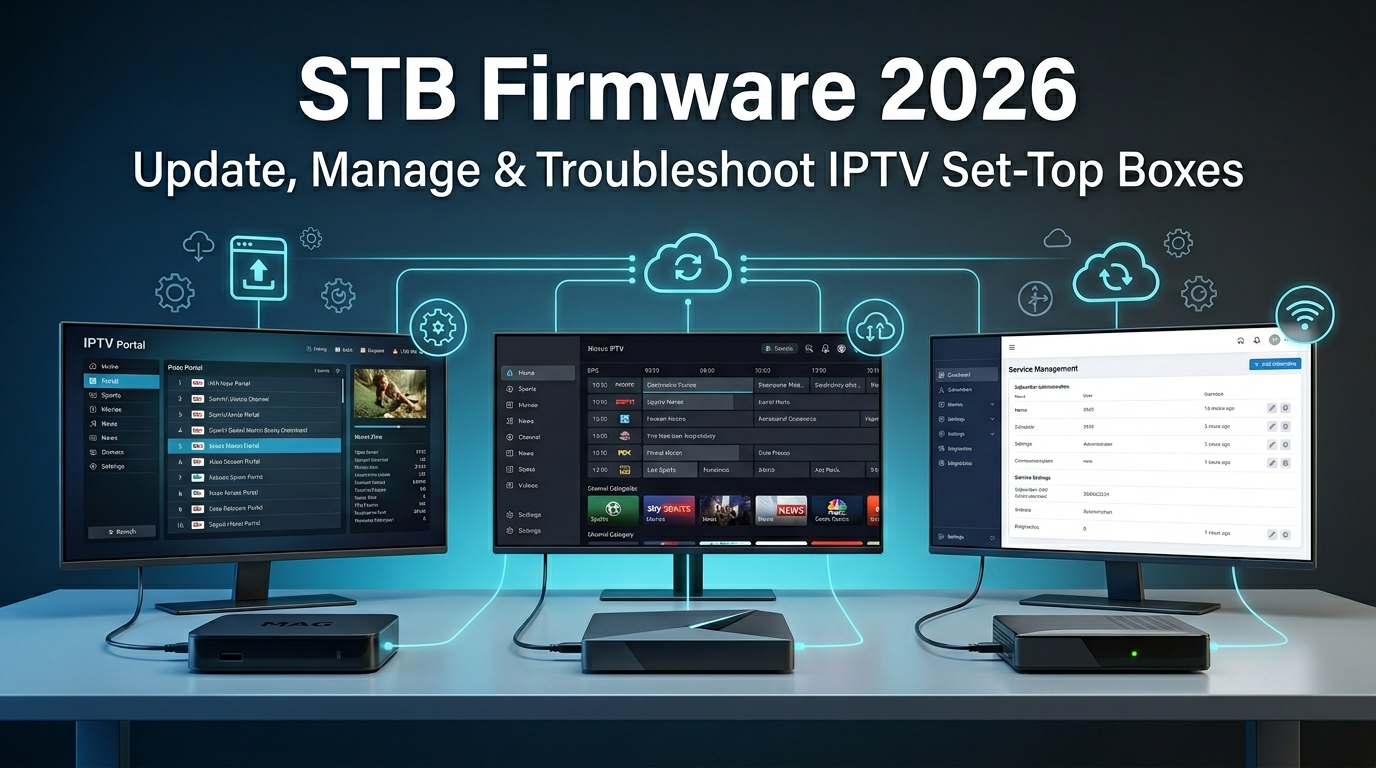
You’ve built a solid IPTV reselling business. But one thing keeps disrupting your support queue: STB firmware issues. Customers complain about “STB blocked” errors, failed portal connections, or boxes stuck in a boot loop. Most resellers ignore firmware updates – until they lose a client.
STB firmware is the low‑level software that runs on set‑top boxes like MAG, Formuler, and TVIP. It controls the boot process, network stack, and middleware communication. Outdated or corrupted firmware directly impacts stream stability, portal authentication, and EPG loading. Understanding how to manage firmware is not just technical maintenance – it’s a competitive advantage.
In this complete guide, you’ll learn why STB firmware matters, how to update it safely, and how to scale your reseller operation using an iptv billing system and a modern whmcs alternative for iptv. We’ll also deep‑dive into the classic debate: formuler vs infomir, and help you choose the best hardware for your business.
Firmware is the invisible foundation of every STB‑based IPTV service. When you resell IPTV to customers using MAG, Formuler, or other boxes, you inherit every firmware‑related headache. A single version mismatch can cause “Your STB is not supported” messages, disappearing channel lists, or complete portal refusal.
Regular STB firmware updates fix security vulnerabilities, improve hardware compatibility, and often unlock new middleware features (e.g., better EPG caching, faster zapping). More importantly, firmware updates reset the infamous “portal blocking” mechanism that Infomir devices use to restrict third‑party services.
Neglecting firmware leads to accumulated technical debt. Over time, devices run slower, portal authentication fails unpredictably, and customers switch to another reseller. By mastering firmware management, you become the reliable expert they stay with.
Three brands dominate the STB market for IPTV resellers: Infomir (MAG), Formuler, and TVIP. Each has its own firmware ecosystem, update procedures, and quirks.
Infomir’s MAG line (MAG 254, 322, 324, 544) is the legacy standard. They are affordable, widely available, and run the classic Stalker middleware. However, Infomir actively blocks unofficial portals via firmware updates – a major pain point for resellers. Firmware is updated through the System Recovery Utility (bootstrap menu).
Formuler (Z series, GTV) has become the reseller’s favourite. They run Android TV with MYTVOnline as the native IPTV app. Firmware updates are OTA (over‑the‑air) and rarely break portal compatibility. The user experience is superior, and resellers appreciate the open ecosystem. The trade‑off is a higher price point.
TVIP (S‑Box, 605) sits in the middle – affordable with a solid Stalker‑based interface. Firmware is updated via ImageBurn tool. They are less common but offer a good balance for budget‑conscious resellers.
This comparison is crucial if you resell hardware alongside subscriptions. Below is an honest feature‑by‑feature breakdown.
| Feature | Infomir MAG (254/324/544) | Formuler Z series (Z10 Pro, Z11) |
|---|---|---|
| Portal flexibility | Restricted – Infomir blocks unofficial portals via firmware | Open – MYTVOnline works with any Xtream Codes API or M3U |
| Firmware update method | Manual via System Recovery Utility (USB or NAND) | Over‑the‑air automatic updates (optional) |
| Ease of recovery after brick | Difficult – requires serial cable or SD card boot | Easy – factory reset from recovery menu |
| End‑user experience | Basic, dated interface | Modern, fast, TV‑optimised UI |
| Price range | $30 – $70 | $80 – $150 |
| Recommended for resellers? | Only if price is the only factor | Yes – fewer support issues, higher retention |
Verdict: Formuler wins for most resellers. The extra upfront cost is offset by dramatically lower support time and zero “portal blocked” nightmares. However, Infomir boxes still have a place in low‑budget markets – just be prepared to manage firmware whitelists carefully.

1. Download the correct firmware file (.image) from Infomir’s official website.
2. Copy to a FAT32‑formatted USB drive.
3. Power off the MAG box, insert USB, then power on while repeatedly pressing the “Menu” button on the remote.
4. The recovery menu appears – choose “Upgrade Tools” → “Upgrade Firmware”.
5. Wait 5‑10 minutes. Do NOT power off during upgrade.
Formuler makes it easy: go to Settings → About → Software Update → Check for updates. If an update is available, download and install. The box will restart automatically. No USB or special keys required. This simplicity is a major selling point for resellers.
TVIP boxes require the ImageBurn tool (Windows only). Download the tool and firmware from TVIP’s website. Connect the box via USB (male‑to‑male cable), flash the image, and reboot. It’s more technical but works reliably.
1. “STB is blocked” message (MAG): Infomir’s portal blacklist. Fix: Downgrade to an older firmware version that doesn’t enforce blocking, or switch to a portal that uses a different user‑agent. Many resellers move customers to Formuler to avoid this entirely.
2. Boot loop after update: Corrupted firmware image. Fix: Re‑flash using recovery mode. If that fails, use a serial console (advanced) or replace the device.
3. Portal URL not saving: Firmware bug. Fix: Factory reset, re‑enter portal URL, then power cycle. If persistent, upgrade to the latest stable firmware.
4. EPG not updating: Often a firmware cache issue. Fix: Clear EPG data in portal settings, then reboot. Also check that the firmware supports the required XMLTV format.
Manual management of subscriptions, invoices, and device‑to‑account mapping doesn’t scale beyond 100 clients. You need an iptv billing system that automates recurring payments, user provisioning, and expiry notifications.
A dedicated iptv billing system removes manual spreadsheet work. It integrates with your payment gateway (PayPal, Stripe, crypto) and your STB panel (Xtream Codes or custom API). When a customer pays, the system automatically creates the account, sends the M3U link, and sets the expiration date. It also suspends expired users and sends renewal reminders.
Without automation, each order consumes 5‑10 minutes of your time. At 200 customers, that’s a full‑time job. With an automated system, you can handle thousands of customers while sleeping.
WHMCS is powerful but overkill for IPTV resellers. It requires expensive modules, complex setup, and ongoing maintenance. There is a better whmcs alternative for iptv: Autotaskclick – built specifically for IPTV automation.
Autotaskclick connects directly to your reseller panel (Xtream Codes, XUI, Geo IPTV, or any panel with API). It provides a ready‑to‑use checkout page, payment bridge (PayPal, Stripe, crypto), and a client self‑service portal. Customers can renew, upgrade connections, and even change their panel password without your intervention.
Scaling means moving from reactive to proactive operations. Here’s the proven path:
When you combine solid STB firmware management with a fully automated billing platform, you can grow from 50 to 5,000 customers without adding headcount.
Only update when there is a security patch or a feature that directly solves a customer issue. Avoid “latest version” updates blindly – test on a single device first. For MAG boxes, many resellers stay one version behind to avoid new portal blocking rules.
Yes, but it’s risky. MAG boxes allow downgrading via the same recovery utility. Formuler generally prevents downgrades to discourage security vulnerabilities. Always keep a backup of known‑good firmware images before upgrading.
Formuler Z11 Pro Max leads the market. It offers fast Android TV hardware, regular OTA updates, and full compatibility with Xtream Codes. If budget is tight, the Formuler Z10 SE is still far better than any MAG alternative. Avoid MAG unless you serve price‑sensitive customers who accept the risk of portal blocks.
Autotaskclick is purpose‑built for IPTV resellers. It includes native integration with Xtream Codes panels, payment bridge protection, a client portal, and automated order delivery – all without the complexity of WHMCS. It is the leading whmcs alternative for iptv because you don’t need separate modules, cron jobs, or developer hours.
Focus on three things: 1) Standardise hardware (Formuler). 2) Automate billing and provisioning (Autotaskclick). 3) Use payment routing to avoid gateway bans. With those in place, you can scale from a few hundred to thousands of customers with the same level of personal effort.
STB firmware management is an unavoidable responsibility for every reseller who provides hardware. By mastering updates, understanding the formuler vs infomir decision, and automating your billing with a modern whmcs alternative for iptv, you turn technical headaches into a competitive advantage.
Start by auditing your customers’ firmware versions. Then implement an automated iptv billing system like Autotaskclick to free up your time. Finally, build a firmware update knowledge base – it will slash your support tickets and boost customer loyalty.