Last updated: June 2026 · Reading time: 18 min · Expertise: IPTV Hardware & Firmware
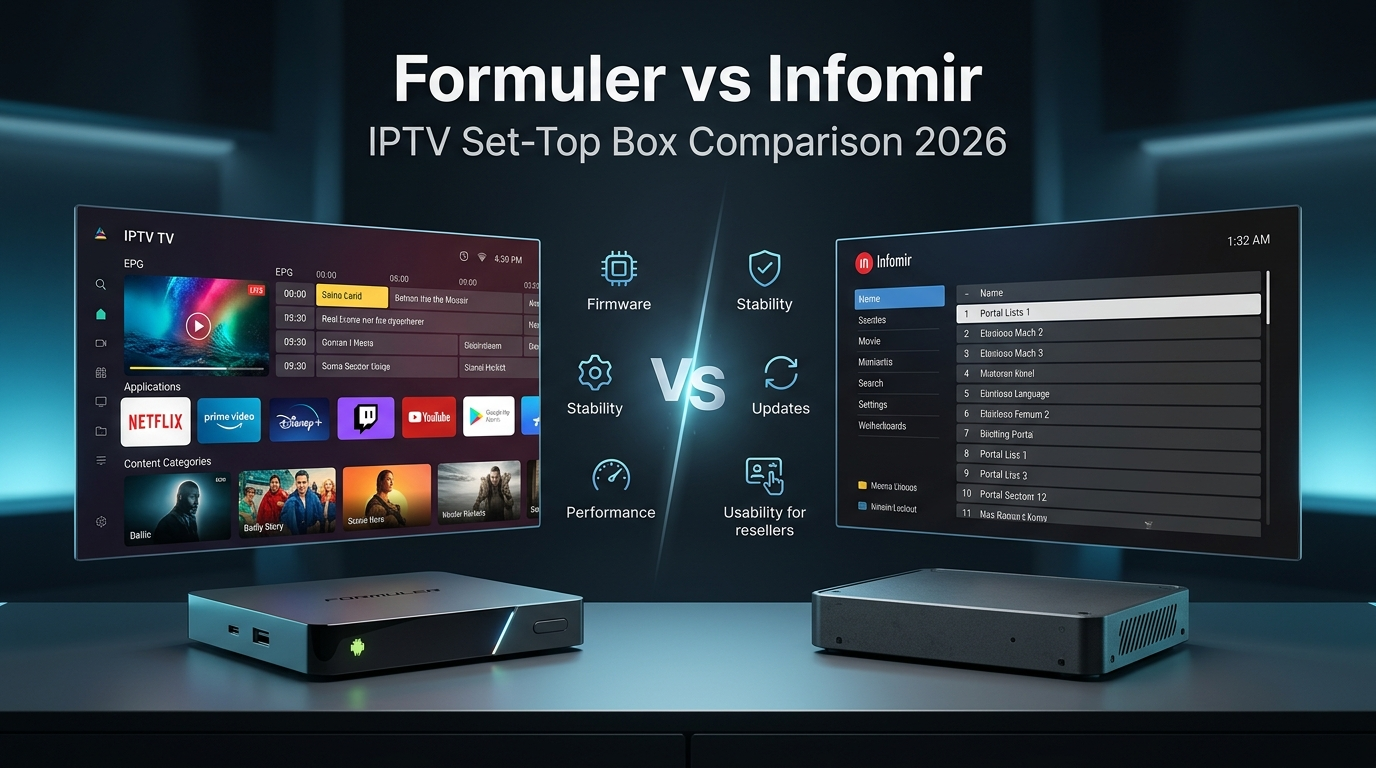
If you resell IPTV subscriptions, the hardware you recommend makes or breaks your business. Customers expect stable streams, effortless portal setup, and minimal support calls. The two dominant names in IPTV set‑top boxes are Infomir (MAG) and Formuler (Z series, GTV). Understanding formuler vs infomir is not just a technical exercise – it directly impacts your operational costs, customer satisfaction, and long‑term scalability.
In this comprehensive guide, we dissect every angle: firmware stability, update mechanisms, portal compatibility, reseller flexibility, and real‑world performance. Whether you are a seasoned IPTV reseller or a technician deploying dozens of boxes, you will learn which brand delivers better value in 2026. We also explore critical topics like STB firmware behaviour, MAG box limitations, and the advantages of the Formuler Z series. Let’s settle the IPTV set-top box comparison once and for all.
Infomir is a Ukrainian manufacturer best known for its MAG series (MAG 254, 322, 324, 544). These devices run a proprietary Linux‑based firmware with the Stalker middleware. Infomir was the first to popularise dedicated IPTV boxes, and they still hold a large install base, especially in Eastern Europe and budget‑conscious markets. Official Infomir website
Formuler, headquartered in South Korea, entered the market later with a different philosophy: embrace Android TV. Their Z series and GTV are full‑fledged Android boxes with the MYTVOnline app – a purpose‑built IPTV client that supports Xtream Codes API, M3U, and Stalker portals. Official Formuler website targets resellers and enthusiasts who value user experience, frequent updates, and open ecosystems.
For IPTV resellers, the choice between these two brands influences everything from daily support volume to how easily you can scale your customer base. Below we break down the core differentiators.
Infomir’s firmware is monolithic and closed. Updates fix bugs but also introduce “portal blocking” – Infomir actively adds blacklists for unofficial IPTV portals. This forces resellers to either use approved portals or constantly downgrade/manipulate firmware. STB firmware on MAG boxes is updated via System Recovery Utility (USB or NAND), a manual process that many end‑users find intimidating.
Formuler runs Android TV, which allows over‑the‑air (OTA) updates. The MYTVOnline app is updated separately through the Google Play Store. No portal blocking – any Xtream Codes or M3U URL works. This architectural difference makes Formuler far more flexible for IPTV resellers.
MAG boxes present a basic portal browser. The interface feels dated, navigation is clunky, and EPG rendering is slow. For resellers, this translates into frequent “how to use this” questions.
Formuler’s Android TV launcher is modern and snappy. MYTVOnline has a sleek grid EPG, multi‑language support, catch‑up, and recording functionality. Customers intuitively understand the interface, which reduces support tickets significantly.
Modern MAG boxes (544) have decent hardware, but older models (254, 322) struggle with high‑bitrate 4K streams. Formuler Z11 Pro Max and Z10 series feature powerful processors, more RAM, and faster Wi‑Fi. For resellers targeting premium customers, Formuler is the clear winner.
Infomir: Manual, error‑prone, risk of bricking. Requires USB drive and precise button pressing. No automatic notifications.
Formuler: OTA automatic. Users receive a notification and update with one click. This alone saves resellers hours of support.
Firmware is the core of any IPTV set‑top box. Here we compare stability, update frequency, recovery, and portal compatibility.
The MAG line includes models: 254, 322, 324, 544. Strengths: low price, massive installed base, and simple operation for end‑users who only need one portal. Weaknesses: portal blocking, manual firmware updates, outdated UI, and poor support for modern codecs in older models. The infamous “STB is blocked” message drives resellers away. If you operate on a very tight budget and your customers accept occasional portal workarounds, MAG can still work – but be ready for added friction.
Formuler’s lineup includes Z10 SE, Z10 Pro Max, Z11 Pro Max, and the GTV (Google certified). All run Android TV. MYTVOnline is the killer app: it supports multiple portals, advanced EPG, catch‑up, and even automatic connection recovery. For resellers, Formuler offers better margins because customers are willing to pay a premium for a frustration‑free experience. The devices also integrate with IPTV reseller tools like Autotaskclick for automated subscription provisioning, but that’s a separate advantage.

| Comparison Area | Infomir (MAG boxes) | Formuler (Z series / GTV) |
|---|---|---|
| Firmware updates | Manual via USB/Recovery; risk of portal blocking | Automatic OTA; no portal blocking |
| Stability | Stable but updates cause intentional breakage | Highly stable; updates improve, not break |
| Ease of use | Basic portal browser; dated UI | Android TV + MYTVOnline; modern, intuitive |
| Reseller flexibility | Low – portal whitelists & manual labour | High – any portal, remote management friendly |
| IPTV compatibility | Stalker portals only (often blocked) | Xtream Codes, M3U, Stalker – full support |
| Recovery options | Complex; requires technical intervention | Simple; Android recovery & factory reset from GUI |
Verdict: Formuler wins in every category except upfront price. For resellers, the small extra cost is quickly recovered by lower support costs and higher customer retention.
Let’s simulate two resellers: Reseller A uses MAG boxes exclusively. Reseller B uses Formuler exclusively.
For high‑volume IPTV reselling, Formuler is the obvious choice. For very small, price‑sensitive operations (less than 30 customers), MAG can be acceptable if you pre‑configure the firmware and avoid updates.
MAG boot loop: Often caused by corrupted firmware or failed OTA (though MAG doesn’t have OTA, so it’s usually a bad USB image). Fix: reflash using System Recovery Utility with a different USB drive.
“Your STB is blocked” error: Infomir’s portal blocking. Workaround: downgrade to a pre‑block firmware version or switch to a portal that uses a different user‑agent. Many resellers permanently disable automatic updates on MAG boxes.
Formuler app crashes: Rare. Usually fixed by clearing MYTVOnline cache or updating to the latest version from Play Store.
MAC address not recognised: More common on older MAG boxes after factory reset. Solution: re‑enter portal URL and reboot. On Formuler, simply re‑enter portal credentials.
After analysing firmware ecosystems, support data, and reseller feedback, the recommendation is clear:
No brand is perfect, but the formuler vs infomir debate has a definitive winner for growth‑oriented resellers. Formuler respects your business by not sabotaging your portal compatibility.
Yes, for IPTV resellers. Formuler provides easier firmware updates, no portal blocking, a modern interface, and lower support overhead. Infomir is only better if price is the absolute only factor and you accept the risk of portal blacklisting.
Yes, but with caveats. You must either stay on an older firmware version or use a portal that Infomir has not yet blacklisted. Many resellers continue using MAG boxes but avoid updating them. This creates a security risk (unpatched vulnerabilities).
Formuler is dramatically easier. Updates are over‑the‑air, one‑click, and automatic. MAG requires downloading a firmware file, formatting a USB drive, and pressing special buttons on boot – many end‑users cannot do it.
Yes, both support firmware updates, but the process is different. Formuler’s OTA is seamless. Infomir’s manual process is error‑prone. Both can recover from failed updates, but Formuler’s Android recovery is more user‑friendly.
Platforms like Autotaskclick integrate with any Xtream Codes panel, so they work seamlessly with Formuler (via MYTVOnline) and also with MAG portals. Automate subscription delivery, payment bridging, and client management regardless of the hardware your customers use.
Choosing between Formuler and Infomir is a strategic decision for any IPTV reseller. The comparison of formuler vs infomir boils down to firmware philosophy: Infomir locks down, Formuler empowers. For resellers who value scalability, low support costs, and reliable portal access, Formuler is the superior platform. MAG boxes still have a place in ultra‑low‑budget niches, but the future belongs to open ecosystems like Formuler.
By equipping your customers with Formuler devices, you reduce the time spent on STB firmware troubleshooting and increase your capacity to grow your subscriber base. Now that you have a definitive answer, it’s time to optimise your entire reseller operation – from hardware to subscription management.
Whether you choose Formuler or Infomir, you still need to automate your subscriptions, payments, and customer portal access. Autotaskclick helps IPTV resellers streamline order delivery, payment bridging, and client self‑service – compatible with all STB devices.
Start Free Trial →